Resume Foundations Guide: Structure, Format & ATS Tips
Master resume foundations with this complete guide. Learn proper structure, ATS-friendly formatting, and best practices to create a winning resume in 2026.
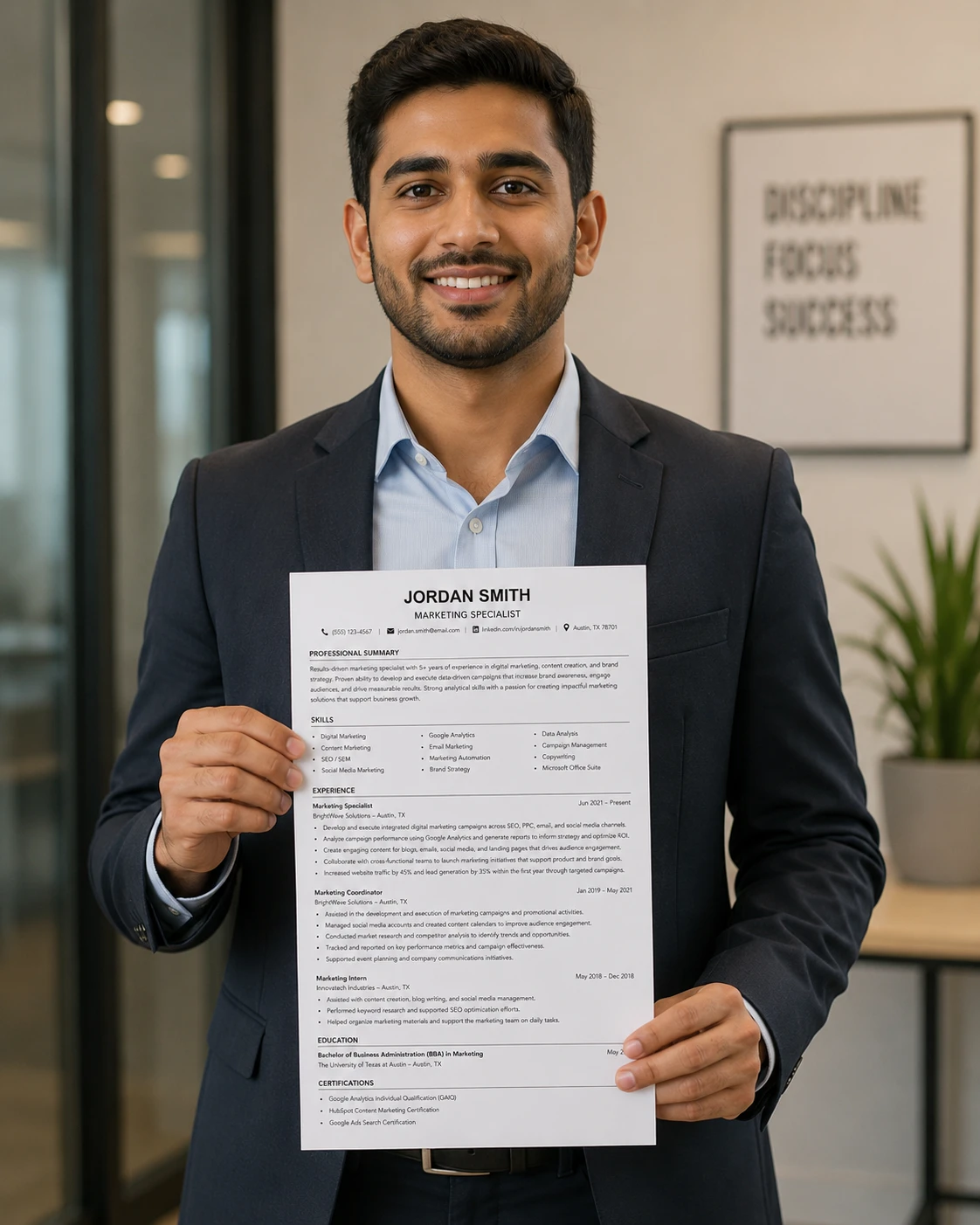
Introduction: What Are Resume Foundations?
A strong resume is built on a solid foundation. Without proper structure, formatting, and content strategy, even the most impressive experience can go unnoticed. Understanding resume foundations is the first step toward creating a document that opens doors to interviews and career opportunities.
Resume foundations encompass the core principles of effective resume writing: structure, formatting, content strategy, keyword optimization, and ATS compliance. These elements work together to create a resume that communicates your value quickly and persuasively to both human readers and automated systems.
This guide covers everything you need to know about building a winning resume, from choosing the right format to optimizing for ATS screening. Whether you are a recent graduate or an experienced professional, these resume foundations will help you create a document that stands out.
Key Takeaways
“✍️ Resume Foundations Checklist
📄 Choose the Right Format: Reverse-chronological is best
👍 Lead with a Strong Summary: Your first impression matters
📈 Quantify Your Achievements: Numbers tell the story
🔍 Use Keywords: Mirror the job description language
💻 Make It ATS-Friendly: Simple formatting without tables or columns
📝 Keep It Concise: One page for most, two for experienced
✅ Proofread: Errors kill your credibility
🎯 Customize: Tailor every resume for the specific role”
The 5 Essential Resume Foundations
Foundation 1: Proper Resume Structure
A well-structured resume guides the reader through your qualifications in a logical order. The standard resume structure includes:
- Contact Information: Name, phone, email, location, LinkedIn
- Professional Summary: 2-4 sentences highlighting your value proposition
- Core Competencies: 8-12 relevant skills in a scannable list
- Professional Experience: Reverse-chronological with quantified achievements
- Education: Degrees, institutions, graduation dates
- Certifications and Licenses: Relevant credentials
- Additional Sections: Volunteer work, awards, professional memberships
Each section serves a specific purpose. Contact information makes you reachable. Your summary hooks the reader. Core competencies provide a quick snapshot. Experience proves your value. Education and certifications establish credibility.
Pro Tip: Place your most relevant sections first. If you are a new graduate, put education above experience. If you have 5+ years of experience, put experience first.
Foundation 2: Choosing the Right Resume Format
There are three main resume formats:
- Reverse-Chronological: Lists experience from most recent to oldest. Most common and ATS-friendly. Best for professionals with steady career progression.
- Functional: Groups skills by category rather than timeline. Used by career changers or those with employment gaps. Often viewed with suspicion by recruiters.
- Combination (Hybrid): Combines skills-based sections with chronological experience. A safe compromise for career changers or those with gaps.
For the vast majority of job seekers, the reverse-chronological format is the best choice. It is familiar to recruiters, easy to scan, and highly ATS-compatible.
Foundation 3: ATS-Friendly Formatting
Applicant Tracking Systems (ATS) are software applications that scan resumes for relevant keywords and qualifications. To pass ATS screening:
- Use Standard Headers: 'Professional Experience,' 'Education,' 'Skills'
- Avoid Tables and Columns: These confuse ATS parsers
- Use Bullet Points: Clean, scannable lists are easiest to read
- Include Keywords: Mirror the language from the job description
- Save as PDF: Unless the job posting specifies Word
- Avoid Images and Graphics: ATS cannot read them
- Use Professional Fonts: Arial, Calibri, or Times New Roman (10-12pt)
ATS systems are used by 75% of large companies and 25% of small to midsized companies. Optimizing your resume for ATS significantly increases your chances of being seen by human recruiters.
Foundation 4: Quantifying Achievements
Your resume should not just list responsibilities—it should demonstrate impact. Quantified achievements are the most powerful way to prove your value.
Before: 'Managed social media accounts.'
After: 'Managed social media accounts for 5 brands, growing follower base by 40% and increasing engagement by 25% in 6 months.'
Before: 'Improved customer service.'
After: 'Implemented new customer service protocol, reducing response time from 24 hours to 2 hours and increasing satisfaction scores by 30%.'
Before: 'Led a team.'
After: 'Led a team of 12 sales professionals, achieving 35% revenue growth and exceeding quarterly targets for 6 consecutive quarters.'
Foundation 5: Keyword Optimization
Keywords are the terms recruiters and ATS systems search for. Including the right keywords ensures your resume appears in search results and passes automated screening.
How to Find the Right Keywords:
- Read the job description carefully and identify repeated terms
- Group keywords into categories (hard skills, soft skills, tools, industry terms)
- Mirror the exact language from the job posting
- Include keywords in your summary, skills, and experience sections
- Don't keyword-stuff—use them naturally in context
For example, if a job description mentions 'project management,' 'Agile,' and 'stakeholder communication,' include these terms naturally in your resume if they reflect your experience.
Common Resume Mistakes to Avoid
- Typos and Grammatical Errors: A single typo can disqualify you.
- Generic Language: 'Hard worker' and 'team player' say nothing about you.
- Too Long: Keep it to one page unless you have extensive experience.
- Too Short: Don't leave out important achievements.
- Missing Keywords: Without keywords, you won't pass ATS screening.
- Passive Language: Use action verbs to start every bullet point.
- Unprofessional Email: Use a professional email address.
- Not Customizing: Every application should be tailored.
Resume Foundations Checklist
Use this checklist to ensure your resume is built on a strong foundation:
- ☑ Clear structure with all essential sections
- ☑ Professional summary that hooks the reader
- ☑ Reverse-chronological format (or appropriate alternative)
- ☑ ATS-friendly formatting (no tables, columns, or graphics)
- ☑ Quantified achievements in every bullet point
- ☑ Keywords from the job description incorporated naturally
- ☑ Action verbs starting every bullet point
- ☑ Proofread and error-free
- ☑ Saved as PDF (unless specified otherwise)
- ☑ Customized for the specific role
Conclusion: Build Your Resume on a Strong Foundation
Building a winning resume starts with a strong foundation. By following the principles outlined in this guide—proper structure, ATS-friendly formatting, quantifiable achievements, and strategic keyword optimization—you create a document that gets noticed by both automated systems and human recruiters.
Remember: your resume is a marketing document, not a biography. Every word should serve the purpose of getting you an interview. Build it on a solid foundation, and you will see results.
Next Steps:
- Review the ATS Keywords Checklist for keyword optimization
- Read the Resume Format Rules for formatting details
- Start building your resume with a professional template
- Customize your resume for your next job application
Comments
Loading comments…