Steps to Create an Effective Job Application Email
Learn how to write a job application email with simple steps, examples, and tips to help you create a professional email that gets noticed by recruiters.
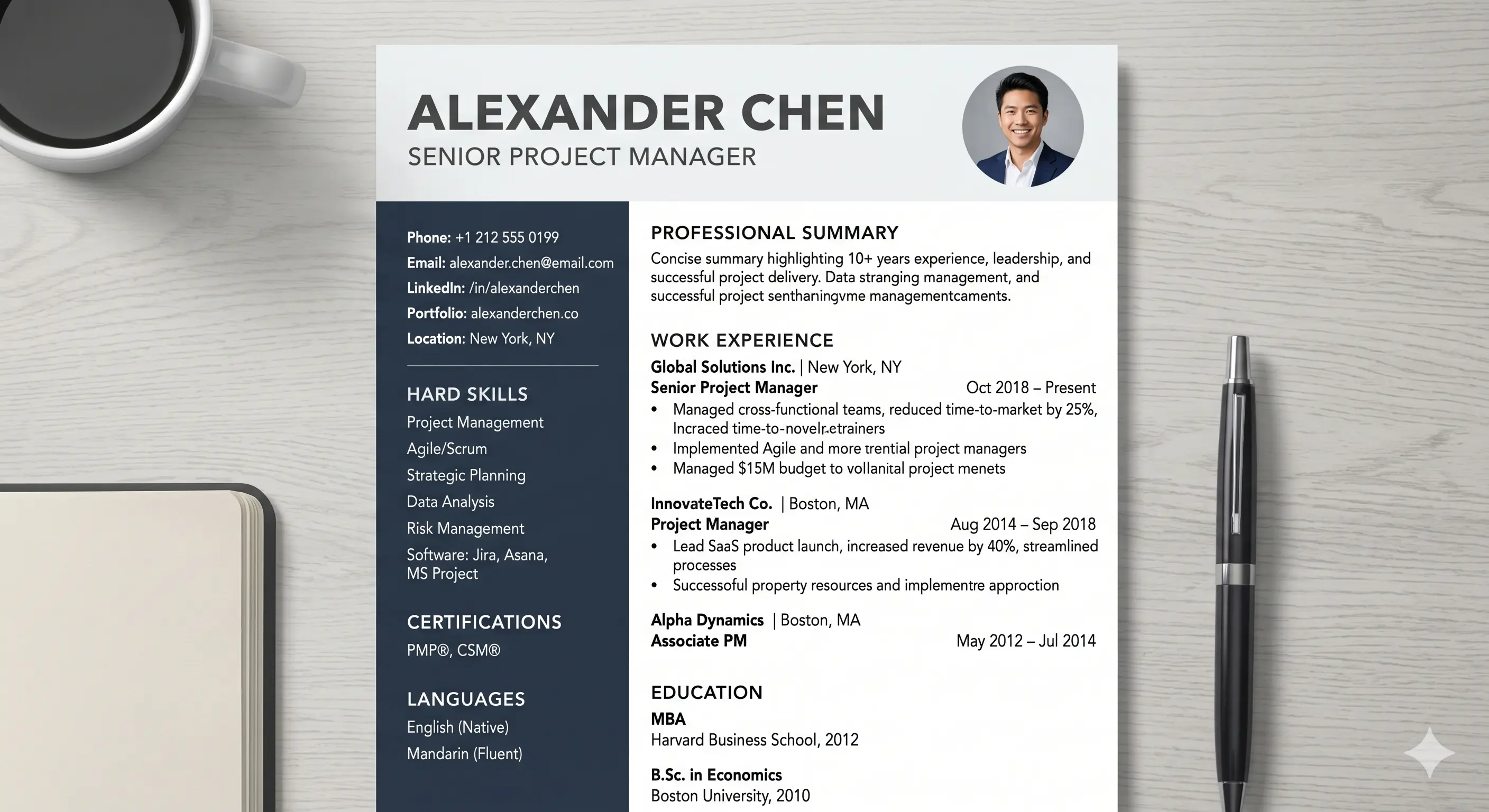
Creating an effective job application email involves more than simply attaching a resume and clicking send. Recruiters often receive dozens or even hundreds of applications for a single position, making it essential to ensure your job application email is clear, professional, and tailored to the role. By following a structured approach, you can improve your chances of making a positive impression and encouraging employers to review your application.
Step 1: Choose a Professional Email Address
Your email address contributes to the overall professionalism of your job application email. Recruiters may question the seriousness of an application sent from an unprofessional email account.
A professional email address should ideally contain your name and avoid nicknames, random numbers, or informal words.
Professional Examples:
ahmed.khan@email.com
sarah.ali@email.com
johnsmith@email.com
Avoid:
footballfan123@email.com
cooldude@email.com
princessforever@email.com
Using a professional email address helps establish credibility from the moment your job application email arrives in the recruiter's inbox.
Step 2: Create a Specific Subject Line
The subject line serves as the introduction to your job application email. A recruiter should immediately understand the purpose of your message without opening it.
A good subject line generally includes:
The words "Job Application"
The position title
Your name
Examples:
Job Application for HR Assistant – Ahmed Khan
Application for Content Writer Position – Sarah Ali
Job Application: Software Engineer – John Smith
A specific subject line helps your job application email stand out and makes it easier for recruiters to organize applications.
Step 3: Use an Appropriate Greeting
The greeting establishes the tone of your job application email. Whenever possible, address the hiring manager by name.
Examples:
Dear Mr. Ahmed,
Dear Ms. Khan,
Dear Hiring Manager,
Dear Recruitment Team,
A professional greeting demonstrates respect and attention to detail.
Step 4: Clearly Introduce Yourself
The opening paragraph of your job application email should briefly explain who you are and why you are contacting the employer.
Example:
Dear Hiring Manager,
I am writing this job application email to express my interest in the Digital Marketing Specialist position advertised on your company website.
A concise introduction ensures that the purpose of your job application email is immediately clear.
Step 5: Mention the Position You Are Applying For
Always specify the exact position in your job application email. Recruiters often manage multiple vacancies simultaneously, so providing clear information prevents confusion.
Example:
I would like to apply for the Content Writer position recently advertised on LinkedIn.
This simple statement ensures that your job application email is directed to the appropriate hiring process.
Step 6: Showcase Your Most Relevant Qualifications
Instead of repeating your entire resume, use your job application email to highlight a few key qualifications that match the position.
Consider mentioning:
Relevant work experience
Industry-specific skills
Certifications
Measurable achievements
Example:
With more than four years of experience in SEO content writing and digital marketing, I have successfully developed content strategies that increased organic traffic and user engagement for multiple businesses.
This brief overview encourages recruiters to review your attached resume for additional details.
Step 7: Refer to Attached Documents
A complete job application email should clearly indicate which documents have been attached.
Example:
Please find attached my resume and cover letter for your review.
You may also mention additional attachments such as:
Portfolio
Certifications
References
Writing samples
Including this information helps recruiters locate supporting documents quickly.
Step 8: End with a Professional Closing
A courteous closing reinforces professionalism and expresses appreciation for the recruiter's time.
Example:
Thank you for considering my application. I would welcome the opportunity to discuss my qualifications further and look forward to hearing from you.
A professional conclusion leaves a positive final impression.
Step 9: Review Before Sending
Before submitting your job application email, carefully review every detail.
Confirm that:
The recipient's email address is correct
The subject line is accurate
All required attachments are included
Grammar and spelling are error-free
Contact information is correct
Even a minor mistake can affect the effectiveness of your job application email, so taking a few extra minutes to review your message is always worthwhile.
Conclusion
Creating a professional job application email requires careful attention to detail and a clear understanding of employer expectations. From using a professional email address and writing a strong subject line to highlighting relevant qualifications and attaching the correct documents, every step contributes to the effectiveness of your application. A well-structured job applica
tion email not only introduces you to potential employers but also demonstrates your communication skills, professionalism, and interest in the role. By following these steps consistently, you can create a job application email that increases your chances of getting noticed and moving forward in the hiring process.
### 📄 Resume Format Guide
- Chronological vs Functional Resume: Which Format is Best?
- Resume Format Rules: Complete Guide for 2026
Comments
Loading comments…